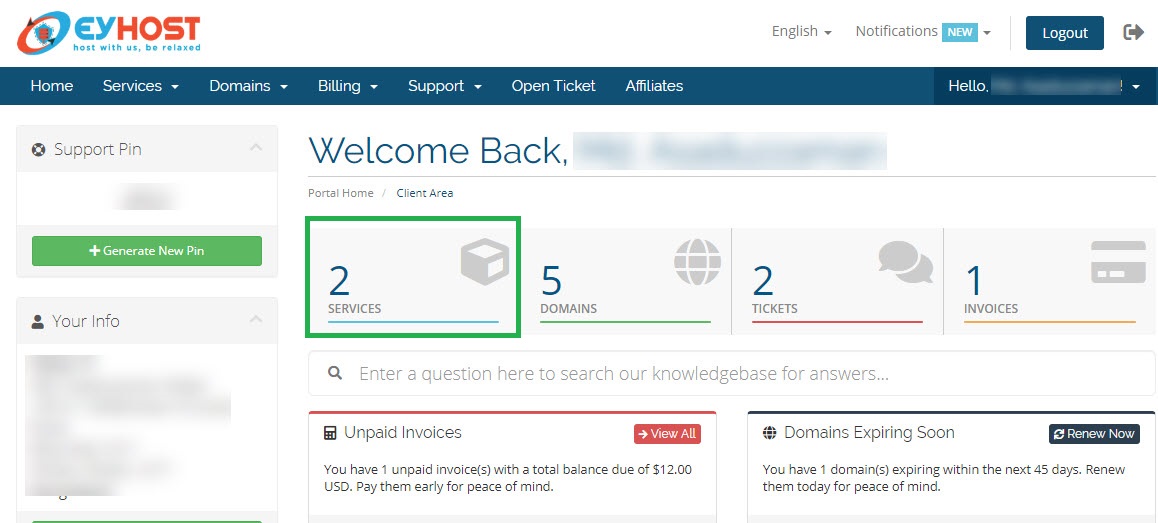
You will be redirected to your Dashboard,
Step 2 :
Click on SERVICES
You will get a list of your purchased SERVICES,
Step 3 :
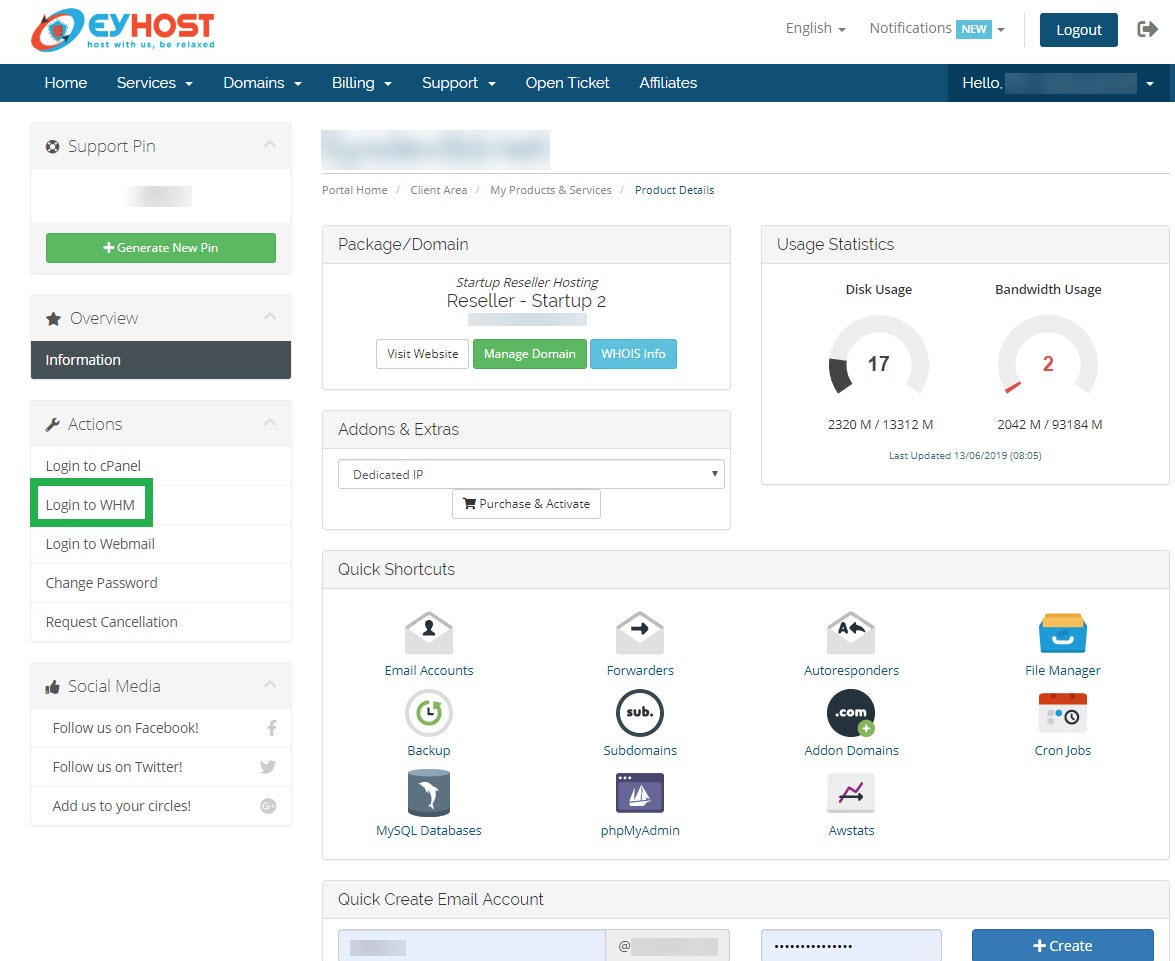
Click on your Hosting Reseller Package Name [Here in the figure it is named as Reseller – Startup 2]
You will be redirected to your SERVICE (Reseller – Startup 2) ‘s control panel,
Step 4 :
Click on Login to WHM.
You will be redirected to your WHM control panel Dashboard.
Step 5 :
Type Create in the Search Box WHM. From the Search Result click on Add a Package
Step 6 :
Type Create in the Search Box WHM. From the Search Result click on Add a Package. Input Package name and Customize the Resources Allocation according to your preferences, then click on the Add button